Logo
Watch on any device

Moviewala β€” everywhere you watch

Phone, TV browser or Media Station X β€” pick how you want to watch. No App Store, no subscription to browse.

Moviewala TVTV Β· Web

Moviewala TV

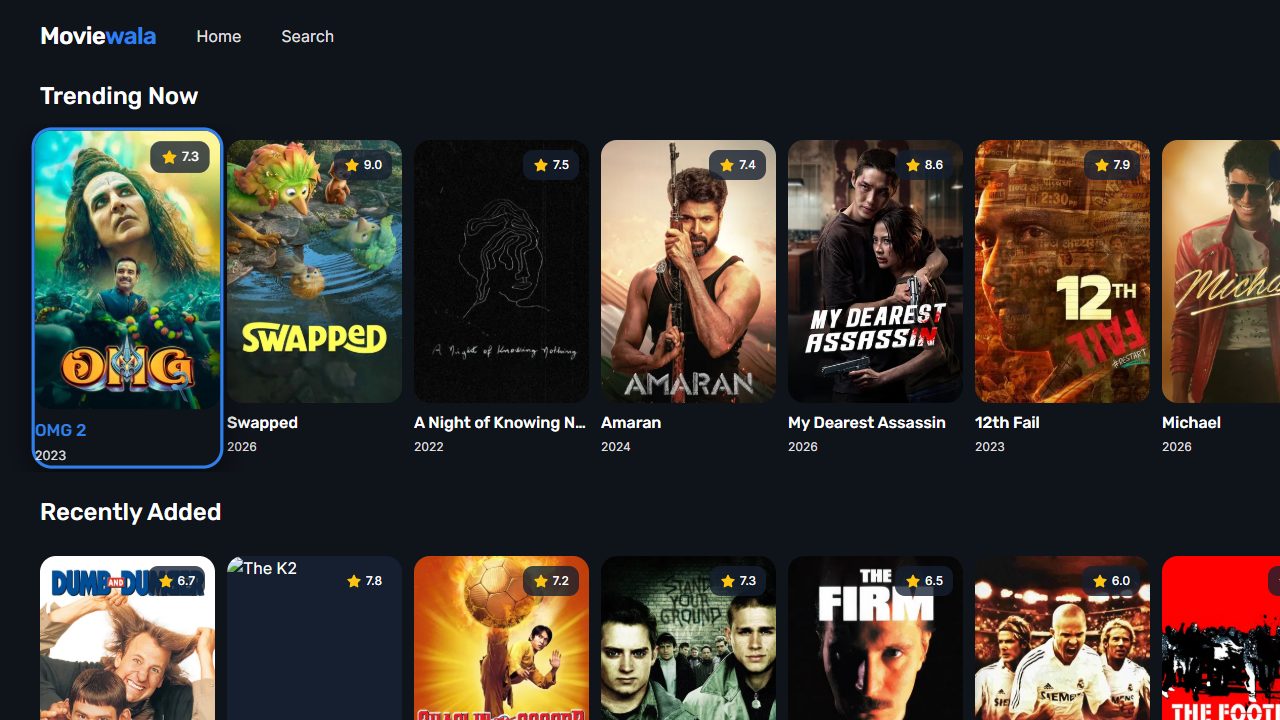
The full experience built for the television β€” genre rows, search and HD playback, navigable with your remote. No install, just open the address.

  1. 1Open the browser on your Smart TV / box
  2. 2Go to tv.moviewala.tv
  3. 3Navigate with the remote, press OK to play
Open on TV β†—
Install the App (PWA)
Android Β· iPhone

Install the App (PWA)

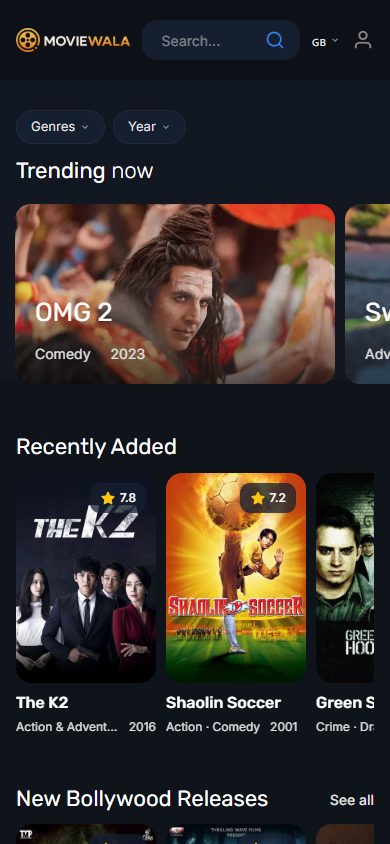
Install straight from your browser β€” no App Store, no Google Play. Launches fullscreen from your home screen and stays up to date automatically.

  1. 1Open moviewala.tv in your phone browser
  2. 2Tap β€œAdd to Home Screen”
  3. 3Launch Moviewala from your home screen
Install the app
Moviewala on MSXSmart TV Β· Media Station X

Moviewala on MSX

Already use Media Station X? Add Moviewala as a start parameter and browse the whole catalogue with native remote navigation.

  1. 1Install Media Station X (or open msx.benzac.de)
  2. 2Settings β†’ Start Parameter β†’ Setup
  3. 3Type tv.moviewala.tv and confirm

Why Moviewala

⚑

No App Store needed

Everything installs or opens from the browser. Always the latest version, no review gates.

πŸ“Ί

Every screen

Phone, tablet, laptop, Smart TV and Media Station X β€” one catalogue, wherever you watch.

🎬

5000+ titles

Bollywood, Hollywood, Bengali, South Indian, Korean dramas and Anime β€” updated every day.

πŸ†“

Just press play

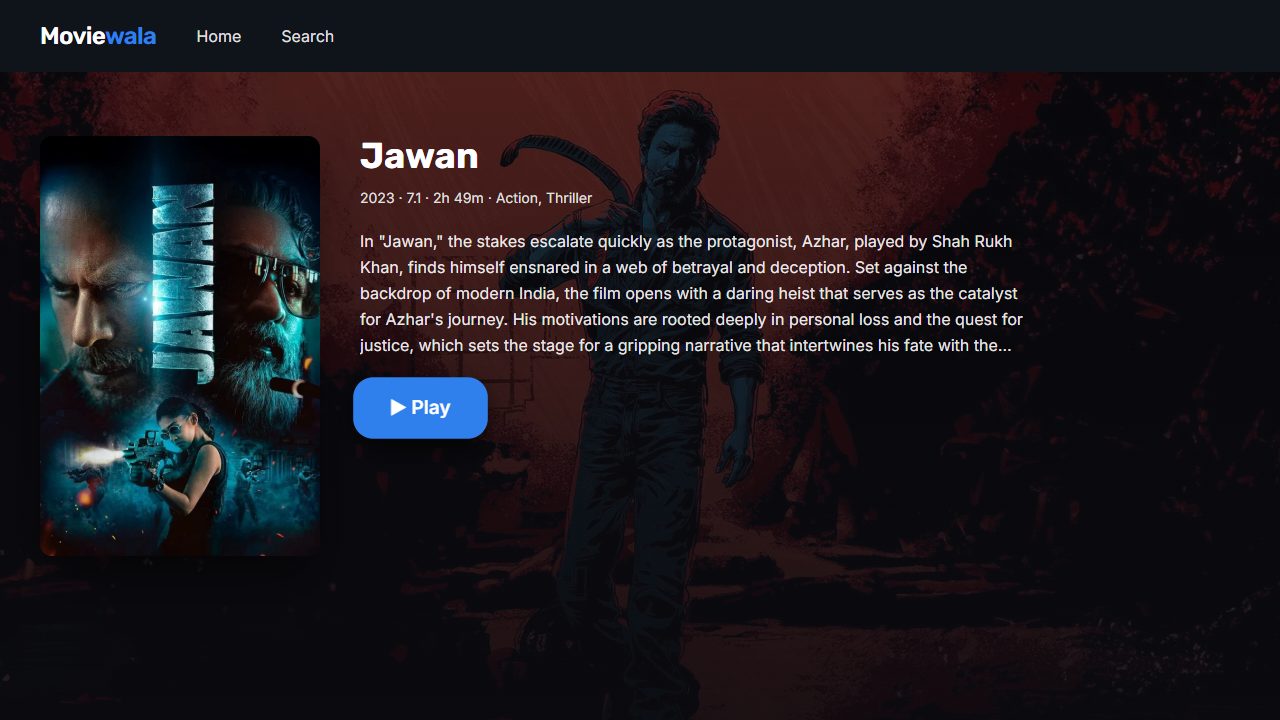
No subscription required to browse. Open a title and start watching in HD.

Browse the catalogue β†’