
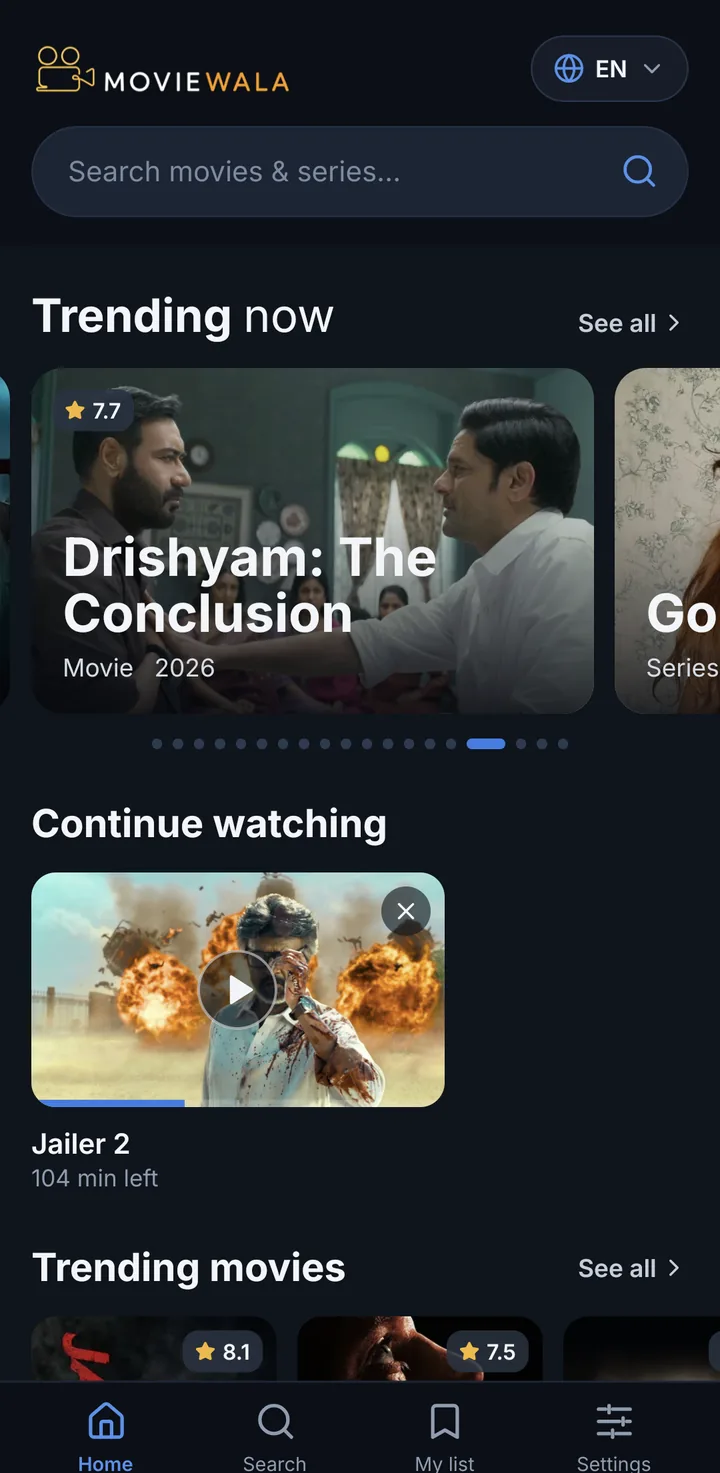
फ़िल्में और सीरीज़, आपकी भाषा में
সিনেমা আর সিরিজ, আপনার ভাষায়
Movies and series in your language
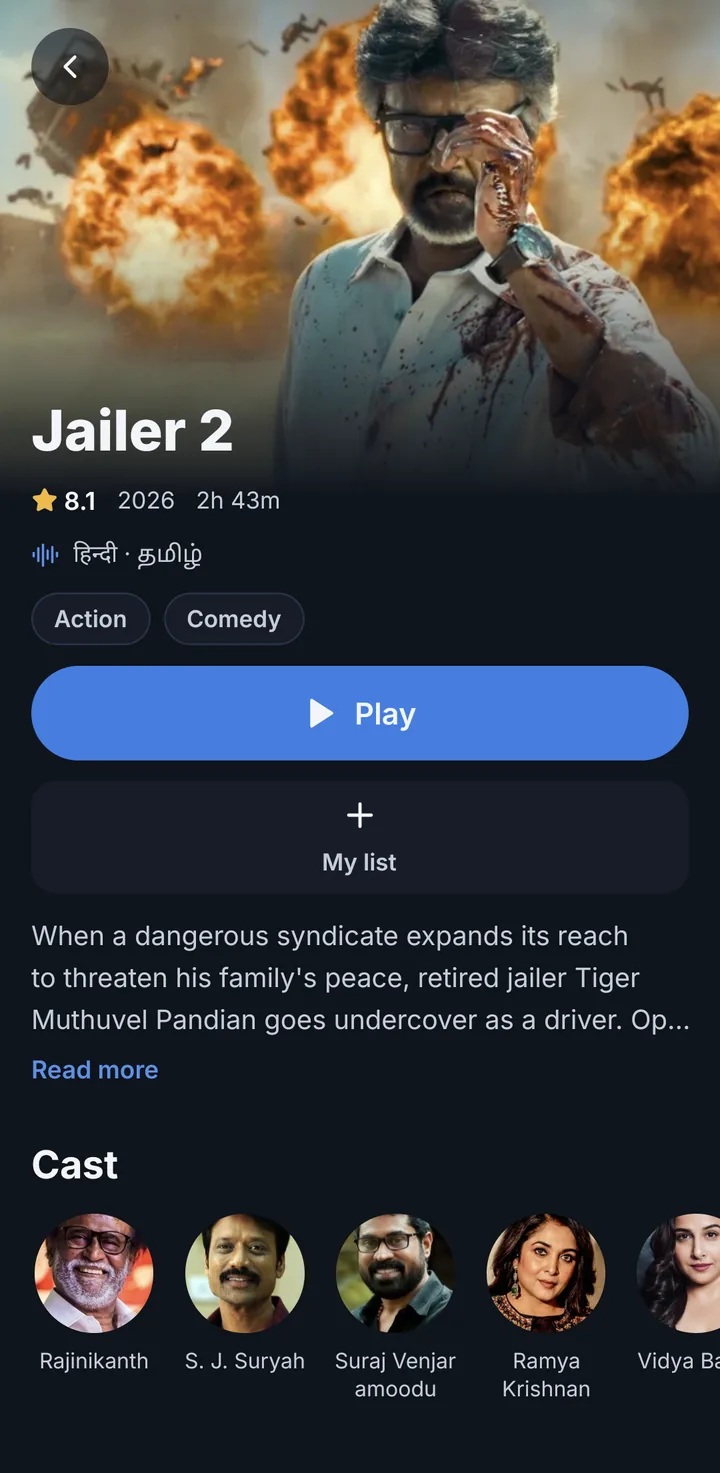
What the app does
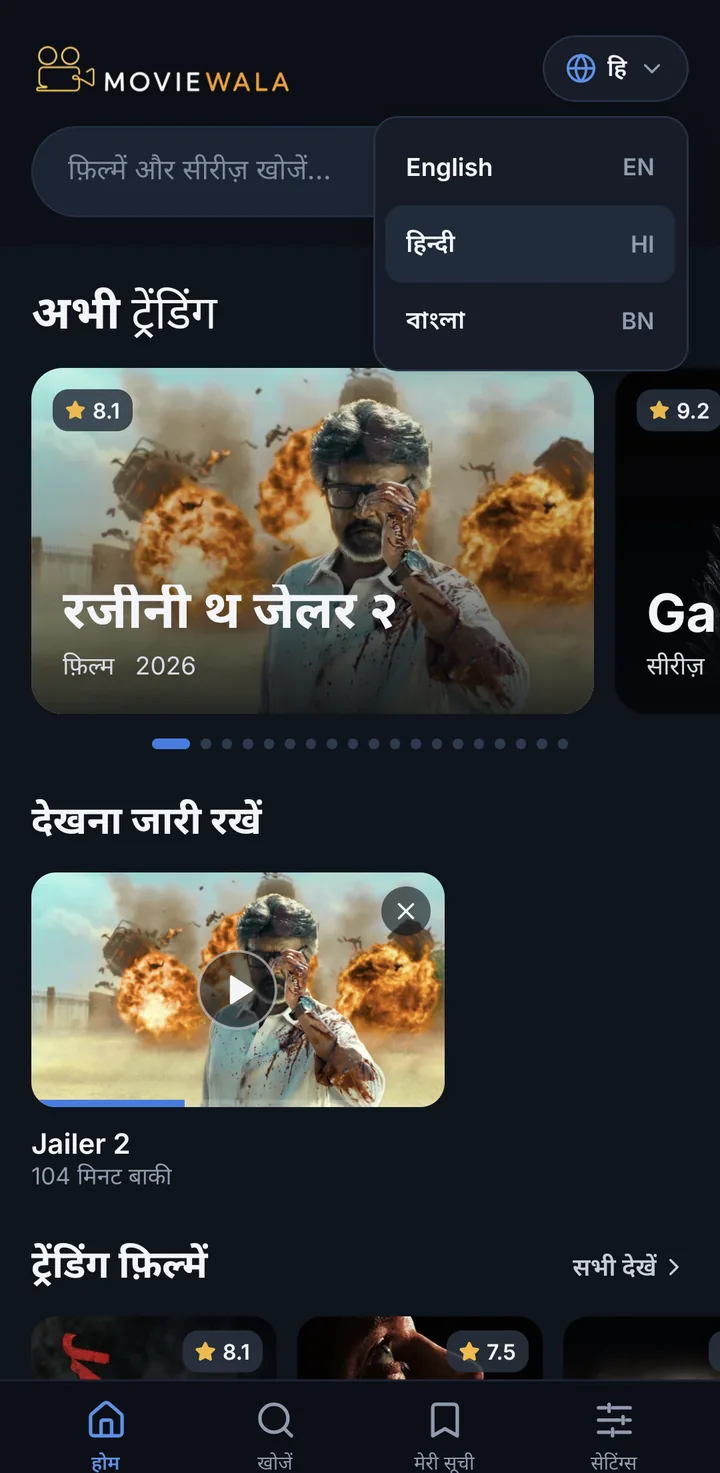
Your language
The whole app in Hindi, Bengali or English. Switch it in the top corner.
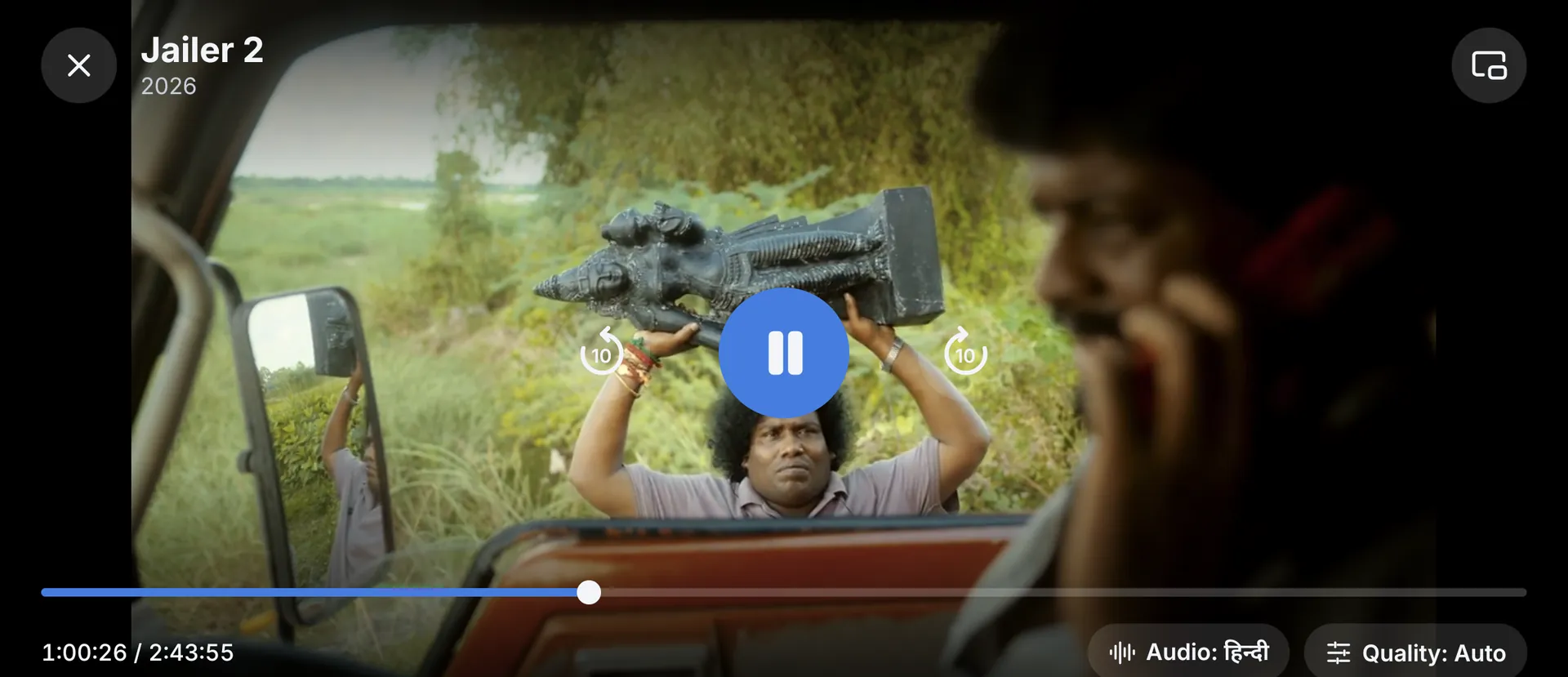
Audio and quality
Pick the audio language and the quality: Auto or a fixed one.
Subtitles
Subtitles, when the title has them.
Continue watching
Stopped halfway? The episode waits for you on the home screen.
My list
Save a title for later with one tap.
Picture-in-picture
Keep watching in a small window while you answer a message.
Install in four steps
Android asks for one permission the first time you install an app from outside Google Play. After that it’s a regular app.
Tap “Download APK”. If the browser warns about the file type, tap “Download anyway”.
Open the downloaded file: tap the notification, or find moviewala-….apk in Downloads.
Android asks for permission: tap “Settings” and turn on “Allow from this source” for your browser (Chrome, for example). This is the “Install unknown apps” setting.
Go back and tap “Install”. When it finishes, tap “Open”.
If Google Play Protect shows a dialog, let it scan the app or choose “Install anyway”.
Download APKThe file
- Version
- 0.3.8
- Size
- 16.3 MB
- Android
- 7.0 or newer